Watch live Nostr zaps, Bitcoin fundamentals and AI usage, or play cool clips, on your desk.
Four little channels for a screen that fits in one hand: watch your zaps roll in on ZapTV, keep the whole Bitcoin network on air with BlockTV, run the room from a soundboard with ClipTV, or keep an eye on your AI limits with ClankerTV.
NO SIGNAL
Tuning…
24H CHART
Layout
Colours
Tuning…
ClipTV1/2
Buttons per screen
Volume
Tuning…
Demo datajust now1/4
On the badge, the gear opens Settings: connect a Claude setup token, the ClankerTV bridge, or provider API keys.
Demo numbers, the same preview as the app’s own Try demo. Flip pages with the arrows or a swipe.
Channel 01 · Zaps
ZapTV
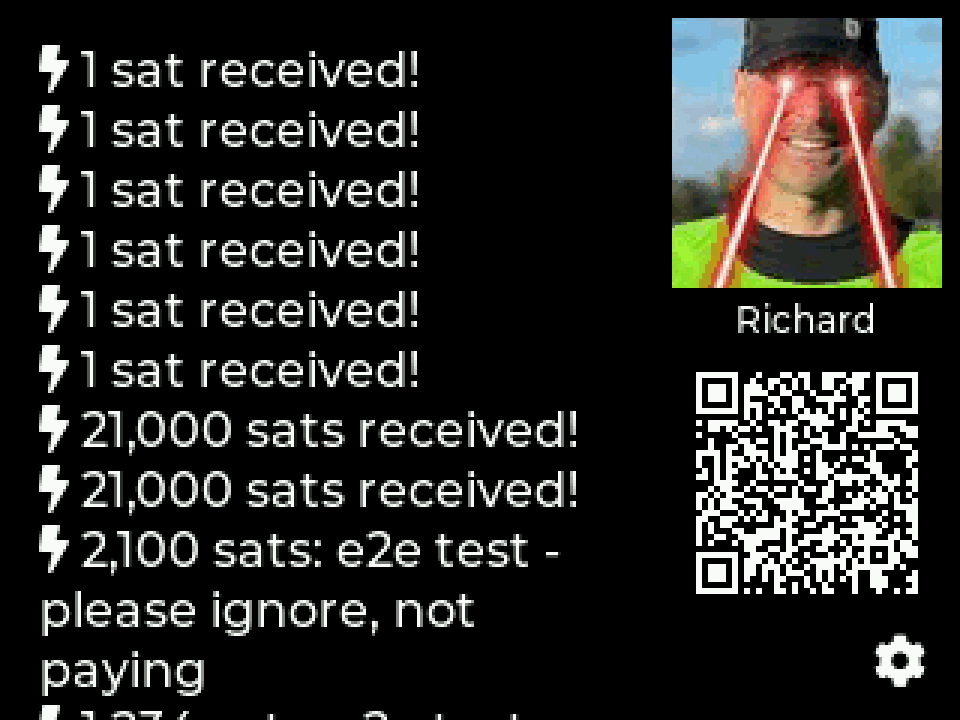
Your zaps, live on your desk. Scan your npub, connect a wallet, and every zap that lands announces itself with a full-screen lightning strike, while a receive QR invites the room to send the next one.
The main screen: live zap feed, your Nostr profile, and a scannable receive QR.
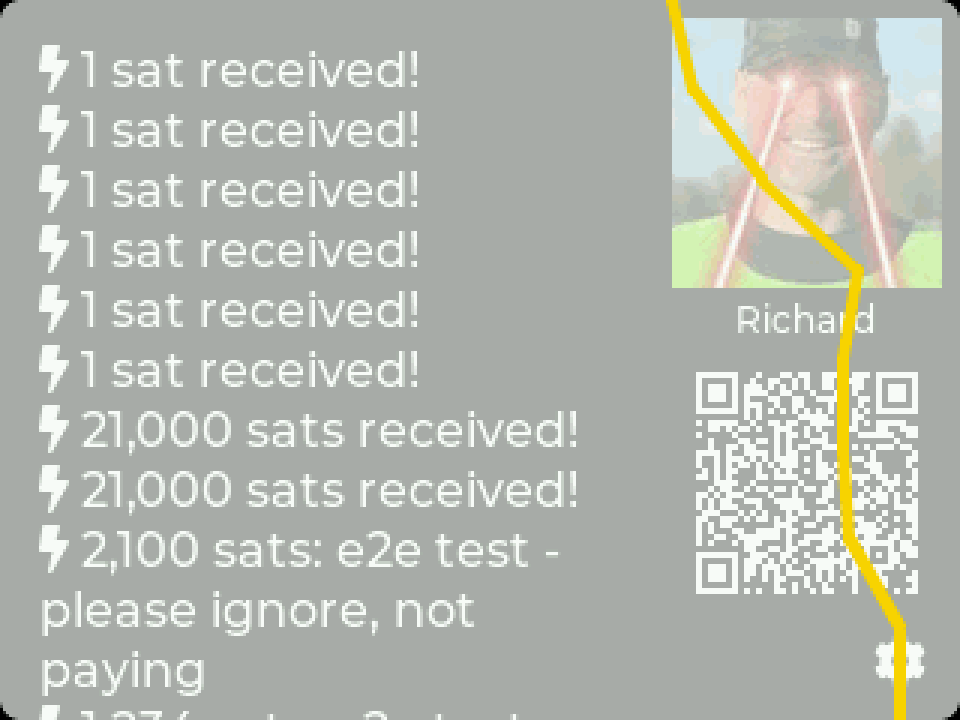
A zap lands: six seconds of lightning.
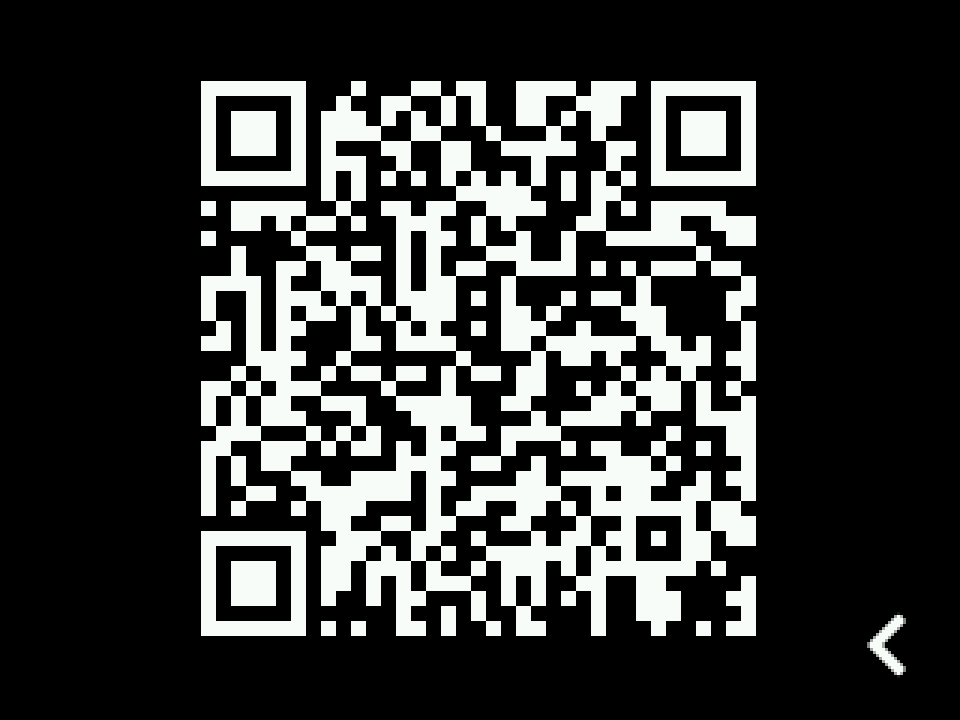
Tap the QR to fill the screen.
Nostr-native. Scan your npub with the built-in camera; your profile picture, name, and npub.cash Lightning address appear automatically.
Works with your wallet. LNbits, Nostr Wallet Connect, or a watch-only on-chain xpub via any Blockbook instance, including self-hosted.
Made to be watched. New zaps strike like lightning, then blink for 30 seconds. Show 1 to 21 recent transactions, sorted by newest or largest.
Comments, with the ⚡ intact. Zap comments render with full emoji support.
Safe in public. Display-only: no keys, no balance on screen, xpubs redacted from logs.
A first: ZapTV is the first Nostr-native app on MicroPythonOS, built around zaps, not balances.
Scan to get ZapTV
Scan with your MicroPythonOS device’s camera and it offers to install ZapTV straight from the app store. On a phone? Get it from BadgeHub.
Your channel
Paste your npub and this set fetches your real profile and latest zaps from public relays, right here in the browser. Nothing is stored.
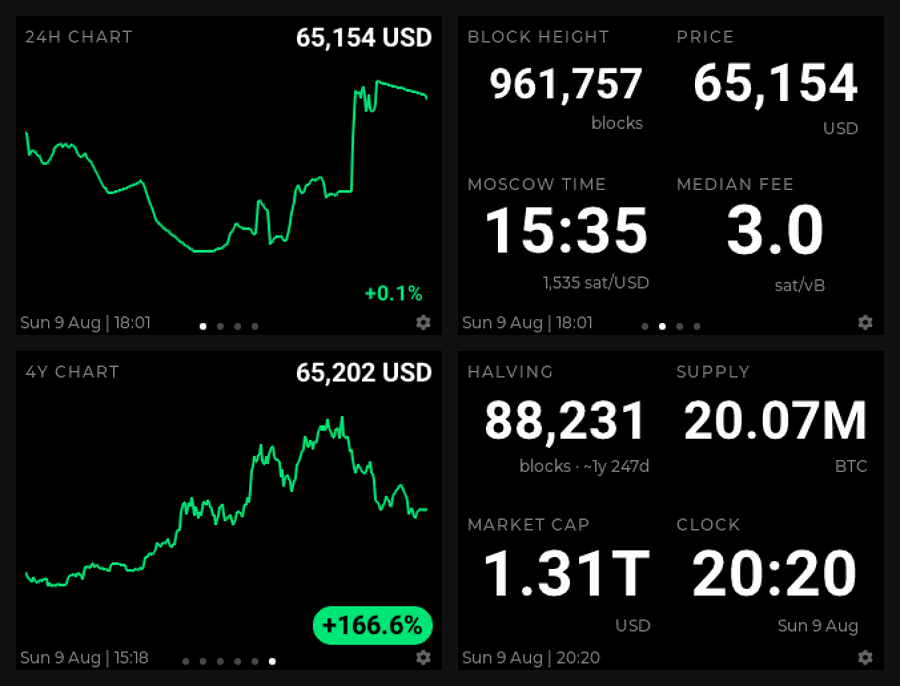
The whole network, always on air. Compose your own pages from sixteen data fields: block height, price, moscow time, fees, halving countdown, charts, even your latest zap. Then let the numbers roll in odometer-style.
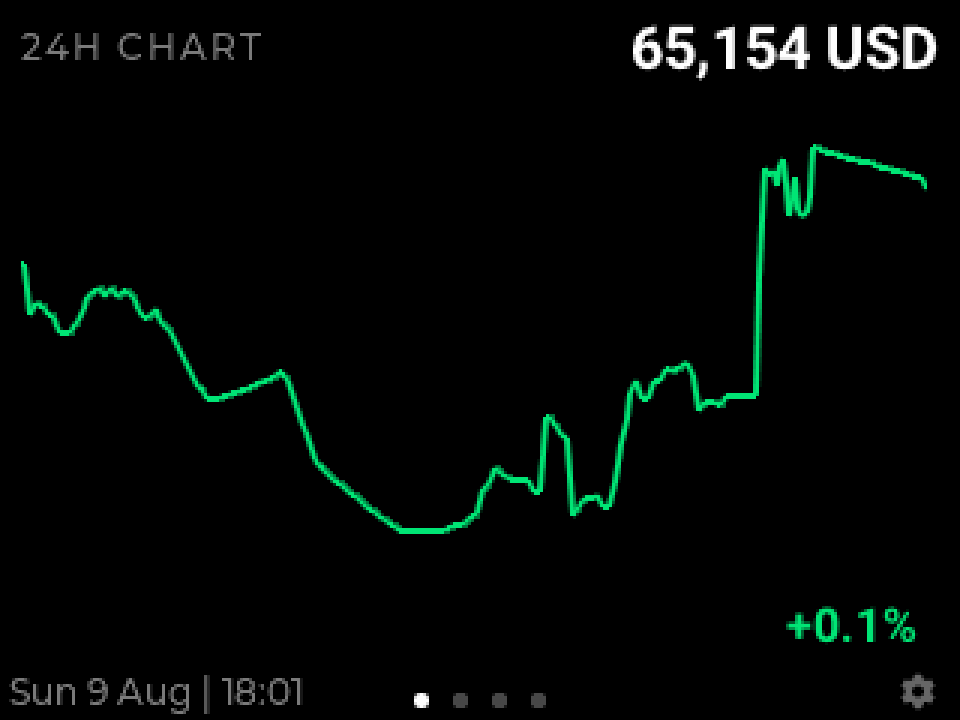
The 24-hour chart, recorded on-device at 5-minute resolution.
Four of your pages: charts, grids, halving, supply. Arranged your way.
It never lies to you. Every chart point is a real market sample. Stale data shades orange, then red. Outages are back-filled with what the price actually did, never drawn as a flat line.
Sixteen fields, your layout. One huge number or up to eight tiles per page, unlimited pages, drag to reorder.
Charts that fit a microcontroller. 24 h to a full four-year halving cycle, one plotted point per pixel column, all sharing a single streaming fetch.
Bitcoin-native extras. Latest zap on screen via your npub; wallet balance over Nostr Wallet Connect. Watch-only, always.
Built like an appliance. Instant restarts with last-known values, your own colours, optional new-block flash, full keypad control.
Private if you want. Point it at your own self-hosted mempool instance.
Scan to get BlockTV
Scan with your MicroPythonOS device’s camera and it offers to install BlockTV straight from the app store. On a phone? Get it from BadgeHub.
Channel 03 · Clips
ClipTV
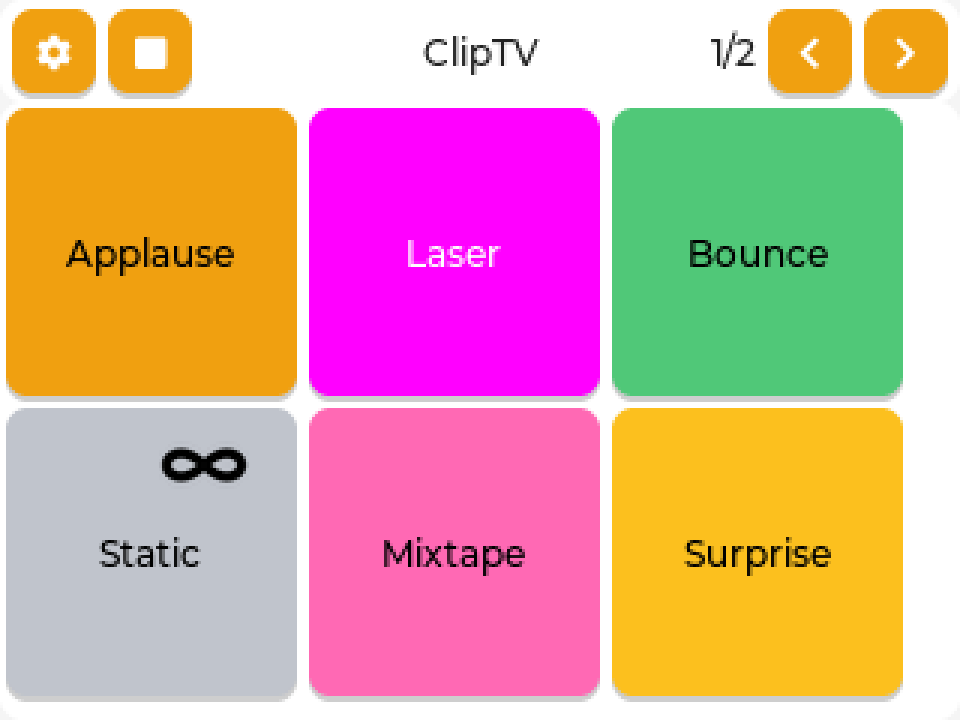
Your own channel, one tap at a time. Load sound bites and video clips onto an SD card, assign them to big colour-coded buttons, and run the room like a soundboard: one clip, a shuffled playlist, or a random pick, looped forever if you like.
The board: up to twelve buttons per screen, as many screens as you like.
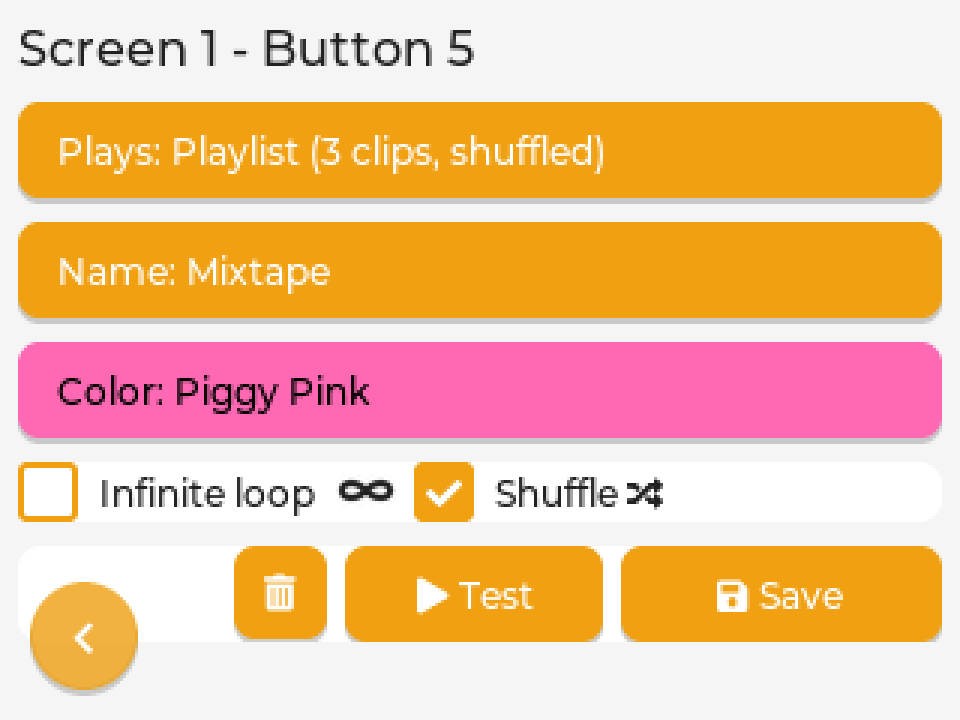
Long-press a button to set it up.
Video clips take the whole screen.
A soundboard first. Four to twelve buttons per screen; tap + to add a screen, − to drop an empty one. Swipe between them.
Clips or actions. A button plays one clip, a playlist you picked (in order or shuffled), or a random audio clip, video clip, or anything at all.
Infinite loop. Any button can loop forever, and random buttons re-roll between plays. Looping buttons wear an ∞ badge so you know.
Colour-coded and renamed. Eighteen colours from Bitcoin Orange to Nostr Purple, Piggy Pink and Lightning Yellow, and any name that fits.
Straight off the SD card. WAV audio, MJPEG and RGB565 video from /sdcard/clips; the picker only lists what it can play.
Sound out of the box. Drives the ES8311 codec on the 3.5″ Waveshare board, or a PCM5102A I2S DAC on the 2″ one.
Scan to get ClipTV
Scan with your MicroPythonOS device’s camera and it offers to install ClipTV straight from the app store. On a phone? Get it from BadgeHub; source on GitHub.
Channel 04 · AI
ClankerTV
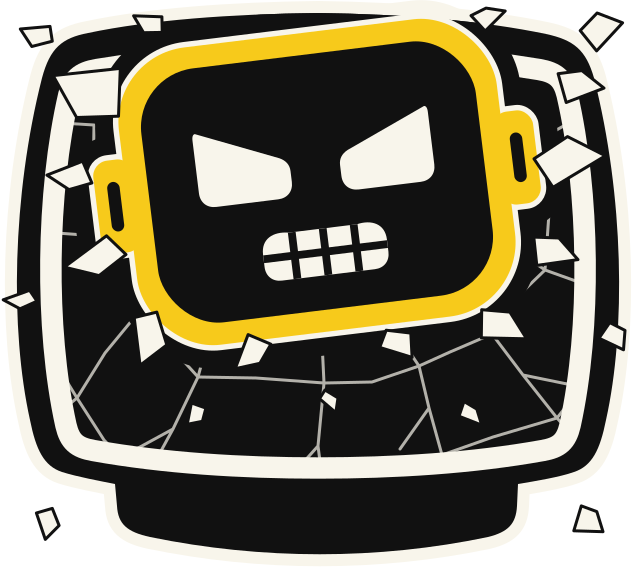
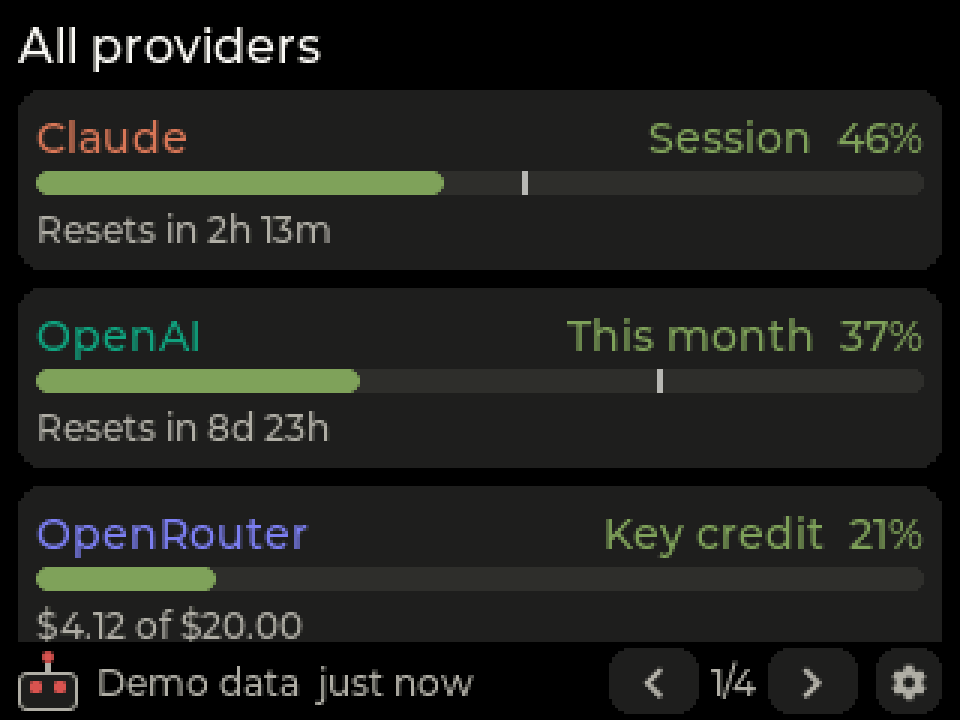
Your AI usage, live on your desk. ClankerTV shows Claude’s session and weekly limits as meters with reset countdowns and an on-pace marker, and watches other providers alongside. Clanker, the little robot in the corner, blinks faster the harder you push. Inspired by Clawdmeter.
All providers: every source’s main meter on one page.
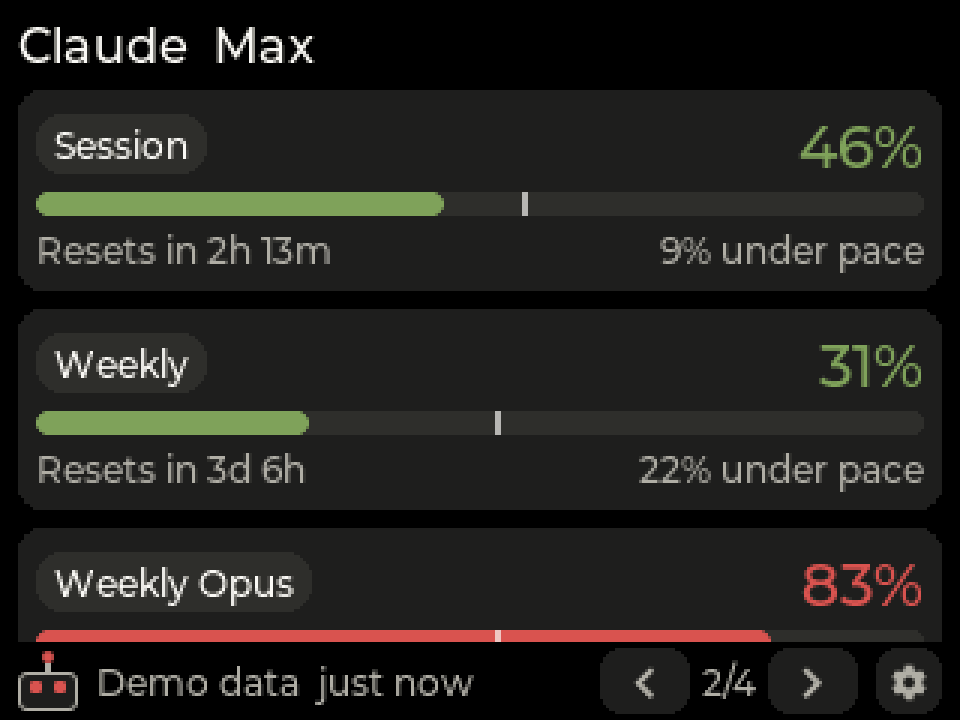
Claude: session and weekly limits, with pace.
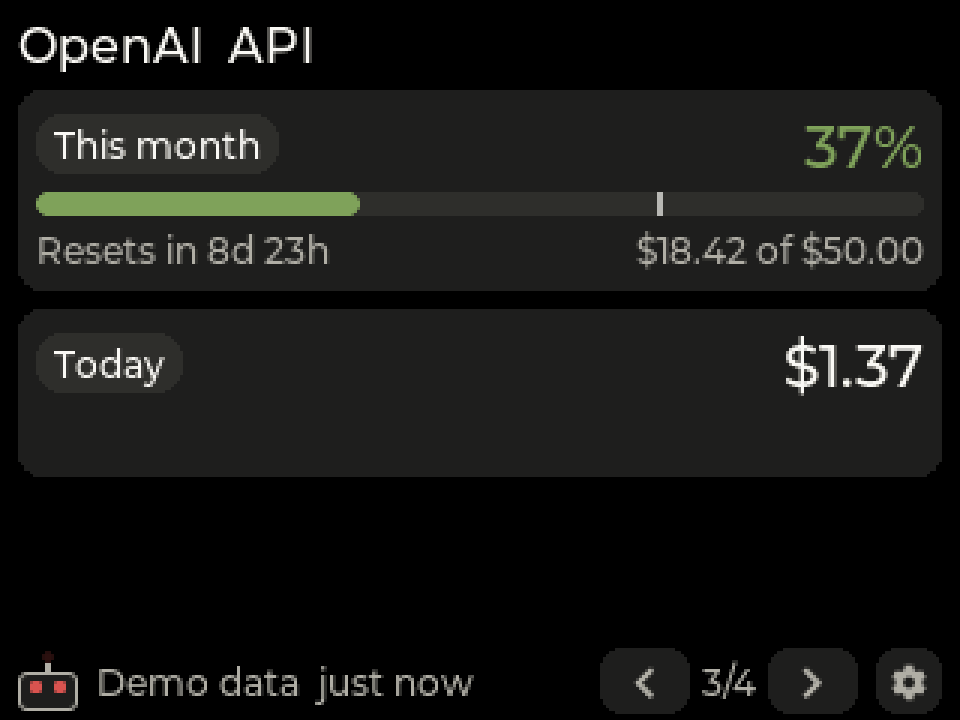
Spend meters for pay-per-use providers.
Claude limits at a glance. Session and weekly meters with a big percentage, a “Resets in” countdown, and a white tick where you would be if usage were spread evenly across the window.
Room for other providers. OpenRouter, DeepSeek and xAI straight from the badge with an API key; OpenAI costs and anything you script through the bridge on your computer.
Clanker keeps score. The robot’s antenna shows your worst meter in green, amber or red, and blinks faster as your usage rate climbs, from Idle to Flat out.
Three ways to connect. A Claude setup token scanned as a QR (no computer needed), the ClankerTV bridge (no Claude credential on the badge), or plain API keys.
Honest when it can’t see. Every page says how old its reading is, a failing provider keeps its last numbers with the error shown, and the header says “Limit reached” when Claude does.
Try before you connect. Tap Try demo on the first screen to preview the dashboard with sample numbers.
Coming soon to the app store
ClankerTV isn’t on BadgeHub yet. When it lands, a scan-to-install QR will appear here, like the other channels.
The platform
Runs on MicroPythonOS
MicroPythonOS is an open-source operating system for microcontrollers: an app framework, launcher, app store, and over-the-air updates: the smartphone experience, on hardware that costs about as much as a pizza.
What you need
Board
ESP32-S3 + 320×240 display e.g. Waveshare ESP32-S3 Touch LCD 2 (ClipTV also likes the 3.5″ 480×320 one)
Touch
optional; ZapTV and BlockTV run keypad-only
Network
WiFi, 2.4 GHz
Cable
USB-C, for the one-time install
Cost
roughly $15 to $25 all-in
How to run it
1
Flash MicroPythonOS from your browser.
Plug the board in over USB and use the web installer at install.micropythonos.com. No toolchain, no terminal.
2
Join your WiFi.
Pick your network on the device the first time it boots.
3
Install the apps.
Open the on-device app store and install ZapTV, BlockTV and ClipTV. Updates arrive over the air.